



Learn Vegas Pro
Everything in Vegas Pro is purpose-built and fully integrated. No clunky add-ons, just smooth, native editing to keep you in the flow. That’s the Vegas Pro DNA.
Vegas Essentials Training Series
The Complete Guide To Vegas Pro.
The Vegas Pro Essentials training series helps new users quickly learn the fundamentals of editing in Vegas Pro. Across more than 20 lessons, you’ll follow a complete workflow from creating a project and importing media to editing, adding effects, color grading, audio mixing, and exporting your final video.
Download premium project files so you can follow each lesson step-by-step. Normally priced at $49.95, you can get these project files free for a limited time to celebrate the launch of Vegas Pro 2026.
Download premium project files so you can follow each lesson step-by-step. Normally priced at $49.95, you can get these project files free for a limited time to celebrate the launch of Vegas Pro 2026.
Watch video
×
Start Editing Quickly
Learn the fastest way to create a project, import clips, add music, apply effects, and export your first video.
Watch video
×
Create Your Project
Set up a new project and learn the key interface panels you’ll use while editing in Vegas Pro.
Watch video
×
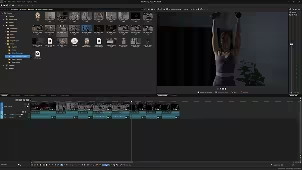
Import and Organize Media
Discover the easiest ways to import footage and keep your media organized using bins and tags.
Watch video
×
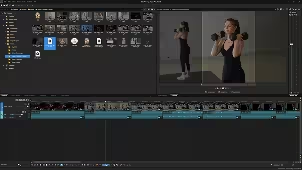
Build Your First Edit
Arrange clips on the timeline, trim shots, split events, and quickly shape the story of your video.
Watch video
×
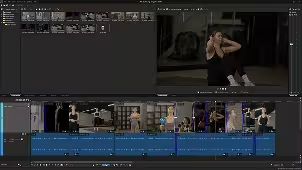
Edit with the Trimmer
Use the Trimmer window to review footage, mark in and out points, and edit clips.
Watch video
×
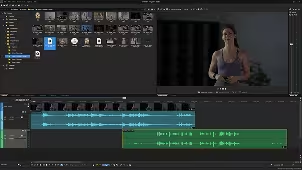
Navigate the Timeline
Master timeline navigation, playback controls, zooming, and shortcuts for faster editing.
Watch video
×
Work with Synced Audio and Video - Part 1
Learn how Vegas handles grouped audio and video events and how to keep them perfectly in sync.
Watch video
×
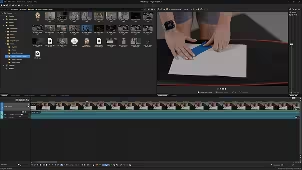
Practical Editing - Part 2
This short editing exercise is your chance to put the Vegas Pro tools into action.
Watch video
×
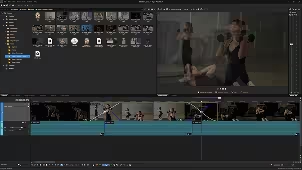
Understand Event Looping
See how Vegas events can extend infinitely and how looping and hold-frame options affect your edit.
Watch video
×
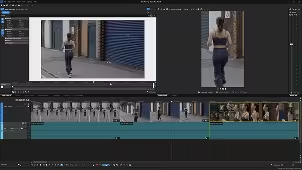
Crossfades and Transitions
Create smooth crossfades and transitions between clips and adjust their timing and curves.
Watch video
×
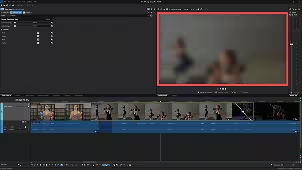
Reframe with Event Pan/Crop
Use Event Pan & Crop to adjust framing, change aspect ratios, and convert horizontal video to vertical.
Watch video
×
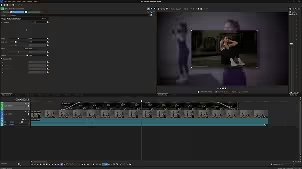
Add Effects to Clips
Apply video effects to events, manage FX chains, and copy effects between clips.
Watch video
×
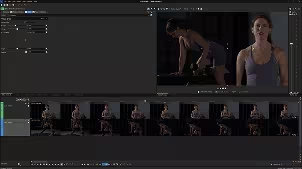
Layer Video and Composites
Build layered visuals with multiple video tracks, Picture-in-Picture, and opacity controls.
Watch video
×
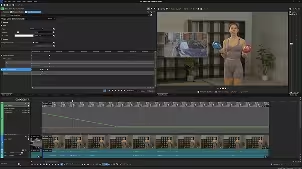
Crop Your Footage
Use the Crop effect to remove unwanted areas of the frame and refine your composition.
Watch video
×
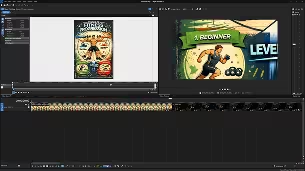
Animate with Keyframes
Create motion and animation by keyframing effect parameters directly in the Vegas Pro timeline.
Watch video
×
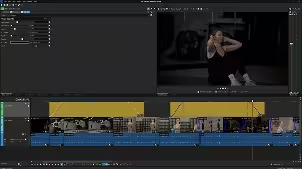
Work with Still Images
Import photos, animate them with pan and zoom moves, and combine them with video.
Watch video
×
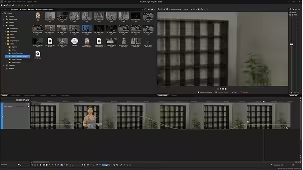
Use Adjustment Events
Apply effects across multiple events at once using flexible adjustment events.
Watch video
×
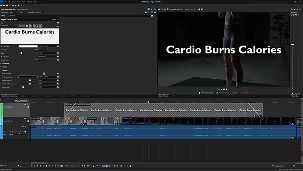
Reverse, Freeze, and Change Speed
Create slow motion, freeze frames, and speed ramps to enhance your storytelling.
Watch video
×
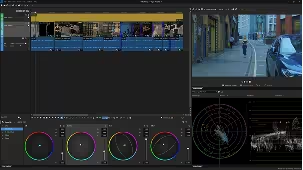
Add Titles and Text
Create simple titles or animated graphics using Vegas text tools and Title Studio.
Watch video
×
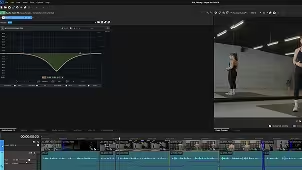
Color Grade Your Footage
Balance exposure, correct color, and apply creative looks using Vegas Pro’s grading tools.
Watch video
×
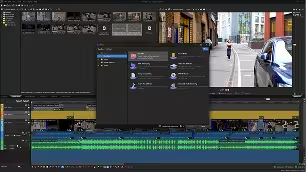
Edit and Enhance Audio
Adjust levels, apply audio effects, record voiceovers, and mix sound for your final edit.
Watch video
×
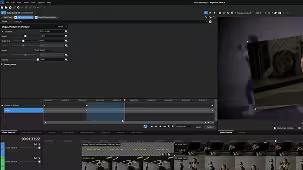
Export Your Video
Render your project using presets and export the final video for delivery or sharing.
Watch video
×
Essential Vegas Tips
Review unique Vegas workflows and helpful shortcuts to edit faster and avoid common mistakes.
Mocha Vegas Essentials Series
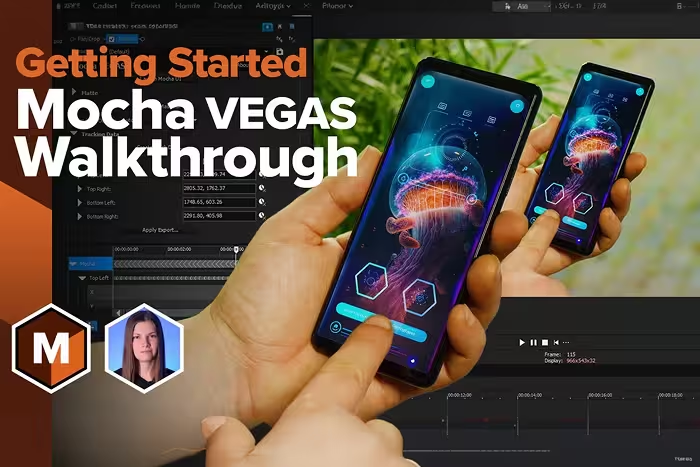
Learn the power of planar tracking
Mocha Vegas brings the Academy Award-winning Mocha planar tracking technology directly into Vegas Pro. With Mocha, you can track surfaces instead of individual pixels to make complex tasks like screen replacement, object tracking, and shot stabilization dramatically faster and more accurate.
Available project files enable you to follow each step of the tutorials and experiment with Mocha yourself.
Available project files enable you to follow each step of the tutorials and experiment with Mocha yourself.
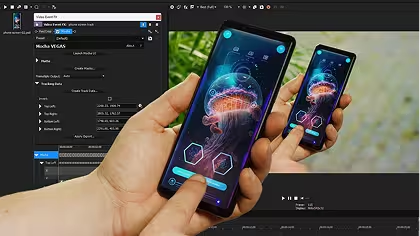
Watch video
×
Quick Start
Learn the fundamentals of planar tracking in Mocha VEGAS and how it integrates into the Vegas Pro workflow.
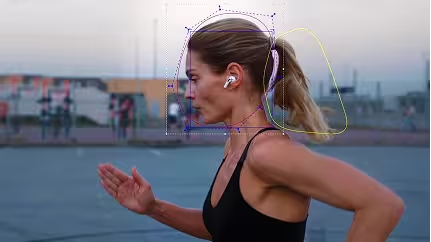
Watch video
×
Stabilization
Use planar tracking to stabilize shaky footage and create locked-on stabilization effects.

Watch video
×
Callouts with Tracked Graphics
Track surfaces and attach graphics, text, or titles that stay perfectly aligned with motion.
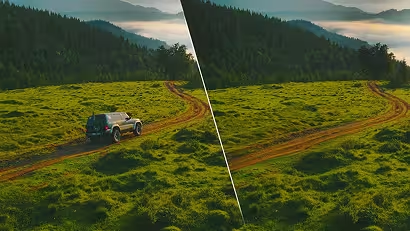
Watch video
×
Cleanup with Object Removal
Remove unwanted objects from your shot using Mocha’s planar tracking and cleanplate techniques.
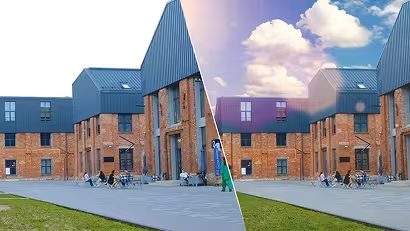
Watch video
×
Compositing
Replace skies, isolate objects, and build clean composites using masks and tracked layers.
Watch video
×
Compositing Cleanup
Track and generate cleanplates to remove distractions and enhance your composite with additional effects.
Need Help? We've Got You!

Forum
A place for Vegas Pro users to discuss tips, tricks, product feature requests, and best practices.

Exchange tips, get quick help, and connect with fellow Vegas Pro editors.

Help Center
Search technical questions or open a ticket with our knowledgeable support team.
Frequently Asked Questions
Download Vegas Pro, sign in with your Boris FX account, and start editing. No activation keys or complicated setup.
Yes. Start a free 15-day trial with full access to all features.
Yes. You can use your license on up to two computers, so you can edit wherever you work.
No. Just sign in and start editing — it’s that simple.
Our team is here for you. Reach out anytime or start a live chat on our website.