Black circular shape with a radial blue gradient background fading from dark to light.

The Next Chapter Begins

Introducing Vegas Pro 2026. Engineered by Boris FX.
Try for Free
Buy Now

Hello Vegas Pro 2026

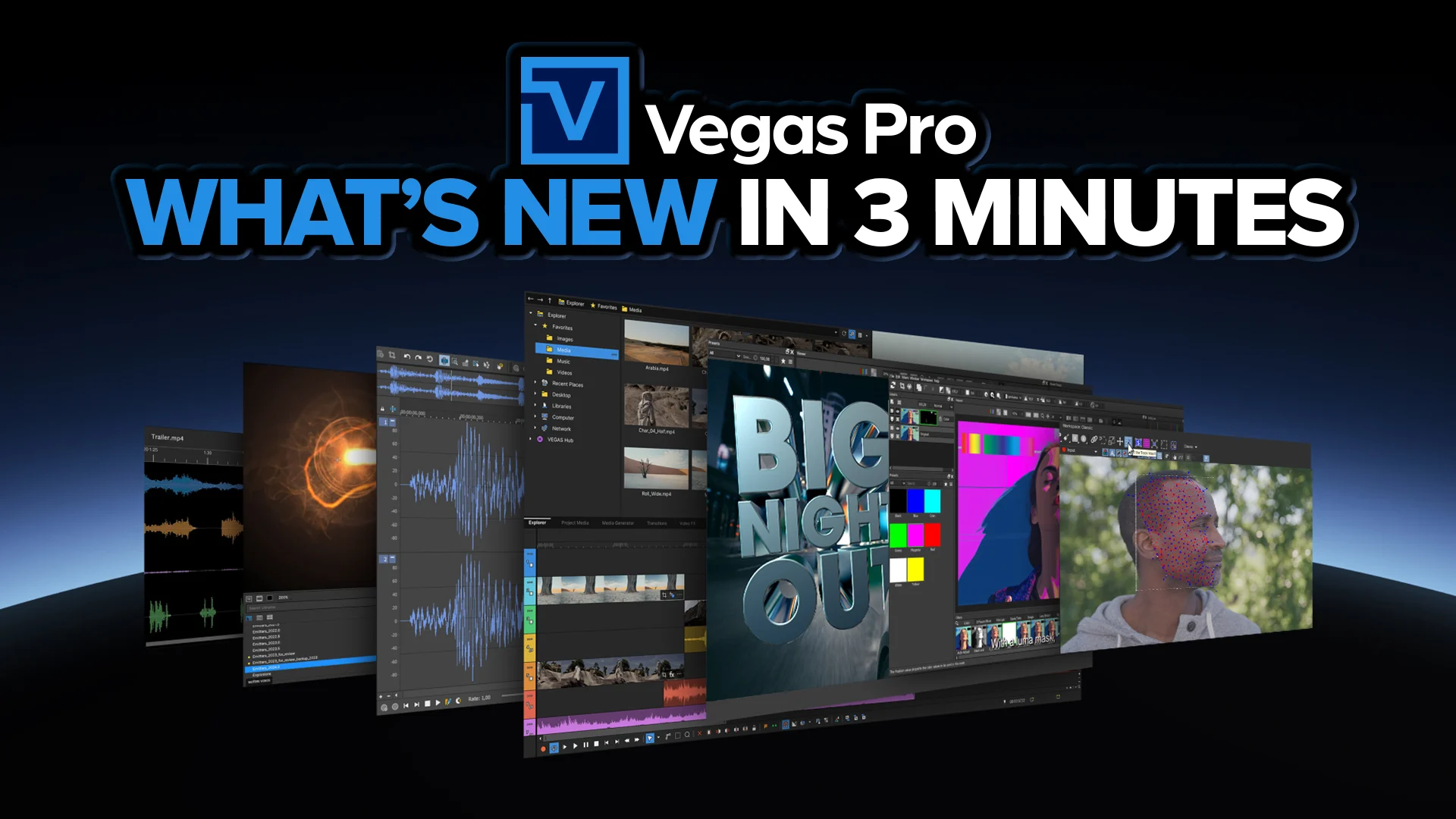
With the first release under Boris FX, Vegas Pro 2026 delivers powerful GPU acceleration, smarter AI-driven tools, and the addition of the Continuum Title Pack for advanced 2D and 3D title design.
Close-up of a man with a beard wearing a weathered yellow and gray sci-fi helmet and suit, looking seriously to the side.
Watch video
×

Advanced 2D & 3D Titling for Vegas Pro

Vegas Pro 2026 now includes the Continuum Title Pack, a professional set of 2D and 3D titling tools built directly accessible from the Vegas timeline. Design, extrude, deform, and animate text and graphics without leaving your edit.
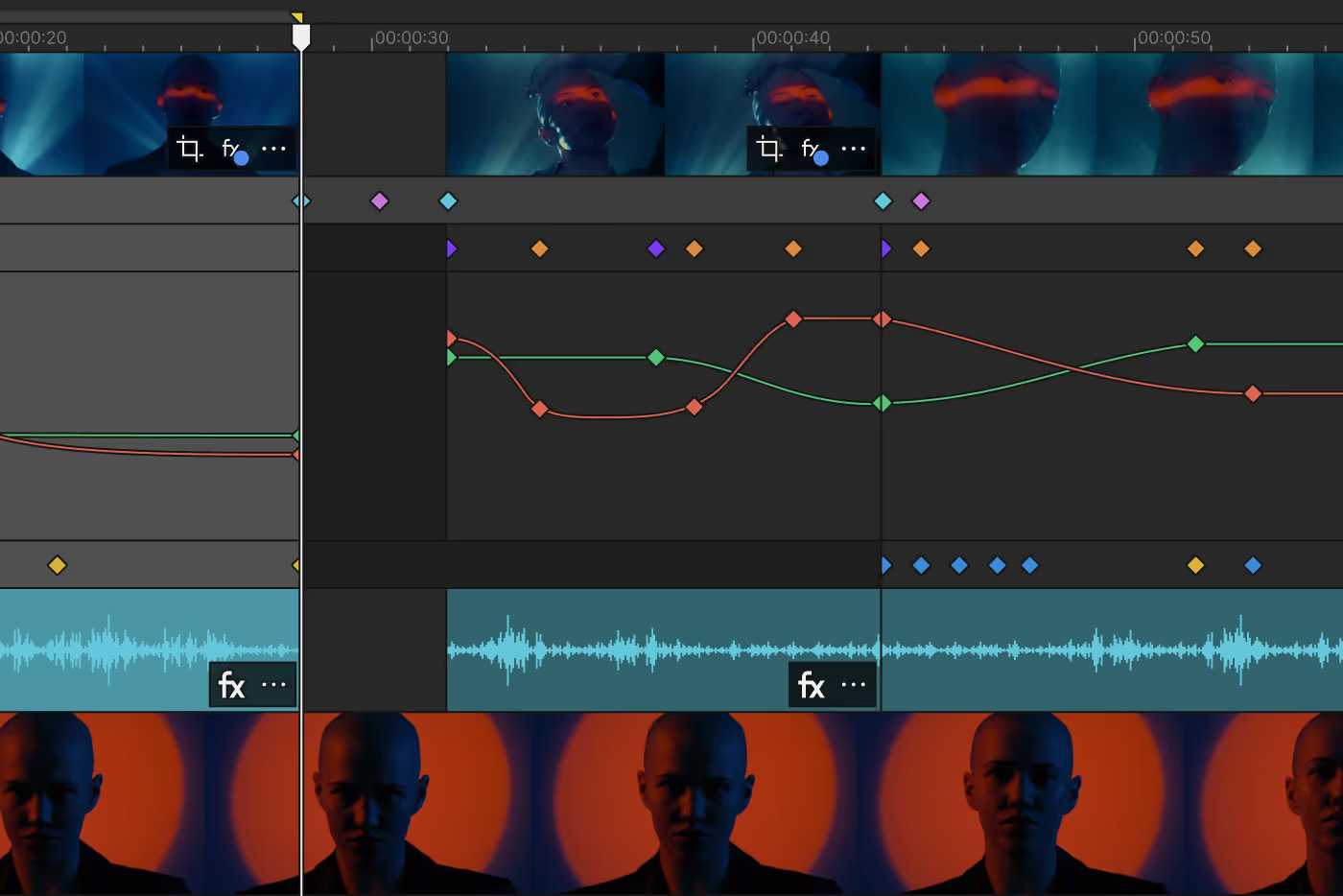
Video editing timeline interface showing video clips with a person's face, audio waveform, and multiple colored keyframe markers for effects and adjustments.

Built for the Vegas Timeline

All Continuum Title Pack tools operate as standard video effects inside Vegas Pro.

  • • Apply directly to events
  • • Animate using Vegas keyframes
  • • Combine with compositing and blending modes
  • • Fully compatible with the Vegas Core Engine

Professional motion graphics titling — fully integrated into your editing workflow.
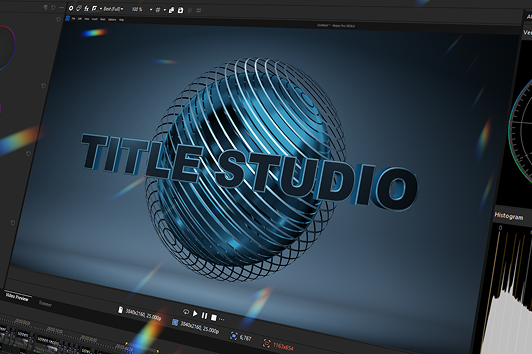
Diagram showing a face image processed through AI Sharpen and AI Z-Depth effects, leading to AI Style Transfer and AutoLooks effects with visual examples.
Watch video
×

Title Studio

A complete motion graphics titling environment inside Vegas Pro.


  • • Create 2D and true 3D titles
  • • Full extrusion, bevel, and depth control
  • • Materials, lighting, reflections, and shadows
  • • Built-in animation timeline for precise keyframing
  • • Lower third and broadcast-ready templates
  • • Spline-based shape tools for custom graphics

Title Studio enables advanced openers, branded graphics, and cinematic titles — all from a single effect.
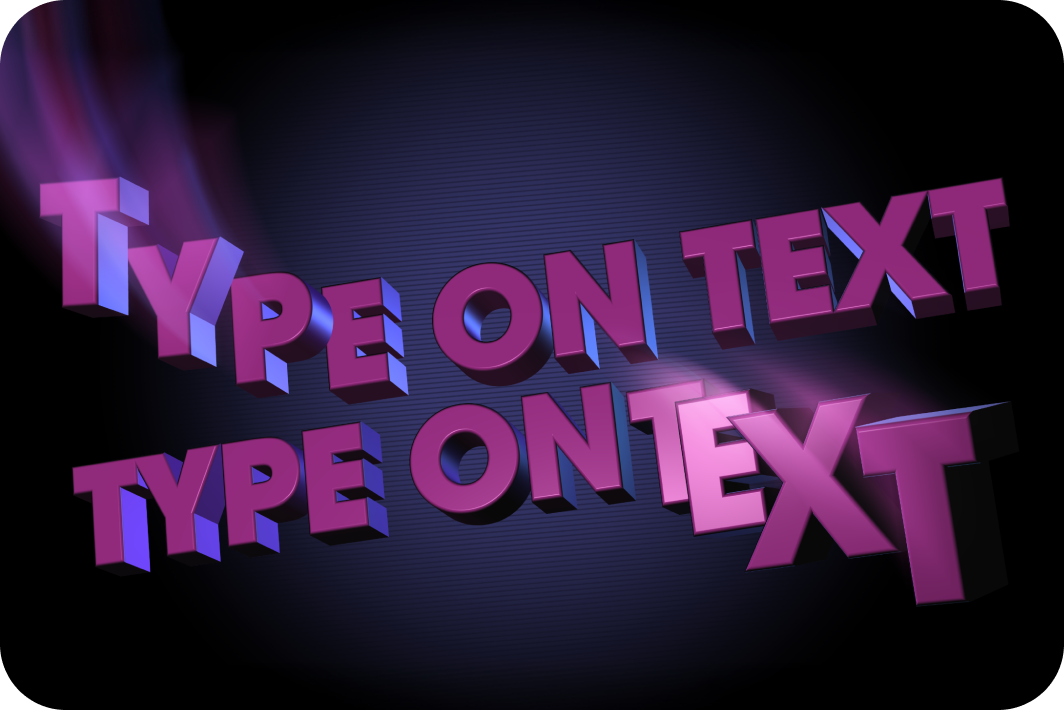
Diagram showing a face image processed through AI Sharpen and AI Z-Depth effects, leading to AI Style Transfer and AutoLooks effects with visual examples.

Type On Text

Precision text reveal animation with procedural control.


  • • Animate by character, word, or line
  • • Typewriter-style animation
  • • Custom easing and timing controls
  • • Gradient fills, outlines, and drop shadows
  • • Optional cursor animations

Perfect for tutorials, callouts, social content, and modern kinetic typography.
File explorer window showing folders and video thumbnails with filenames like Action Close Up.mp4 and Detail B-Roll.mp4.

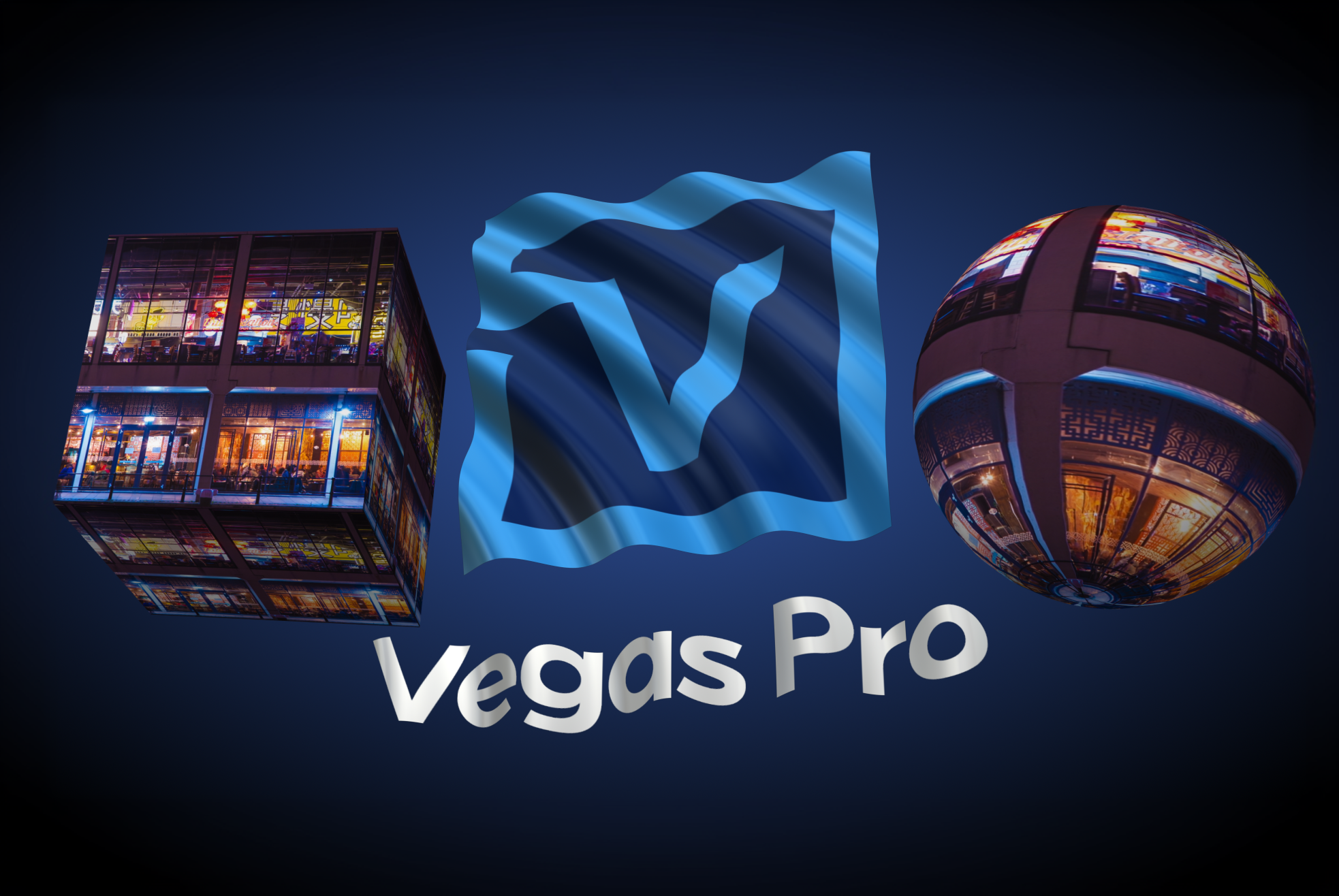
Layer Deformer

Reshape and animate titles in 3D space.


  • • Bend and arc text layers
  • • Apply perspective-based warping
  • • Create dimensional motion effects

Layer Deformer adds dynamic curvature and depth without complex compositing.
Modern Equalizer interface showing a frequency response curve with four adjustment points and an output gain at 0.0 dB.

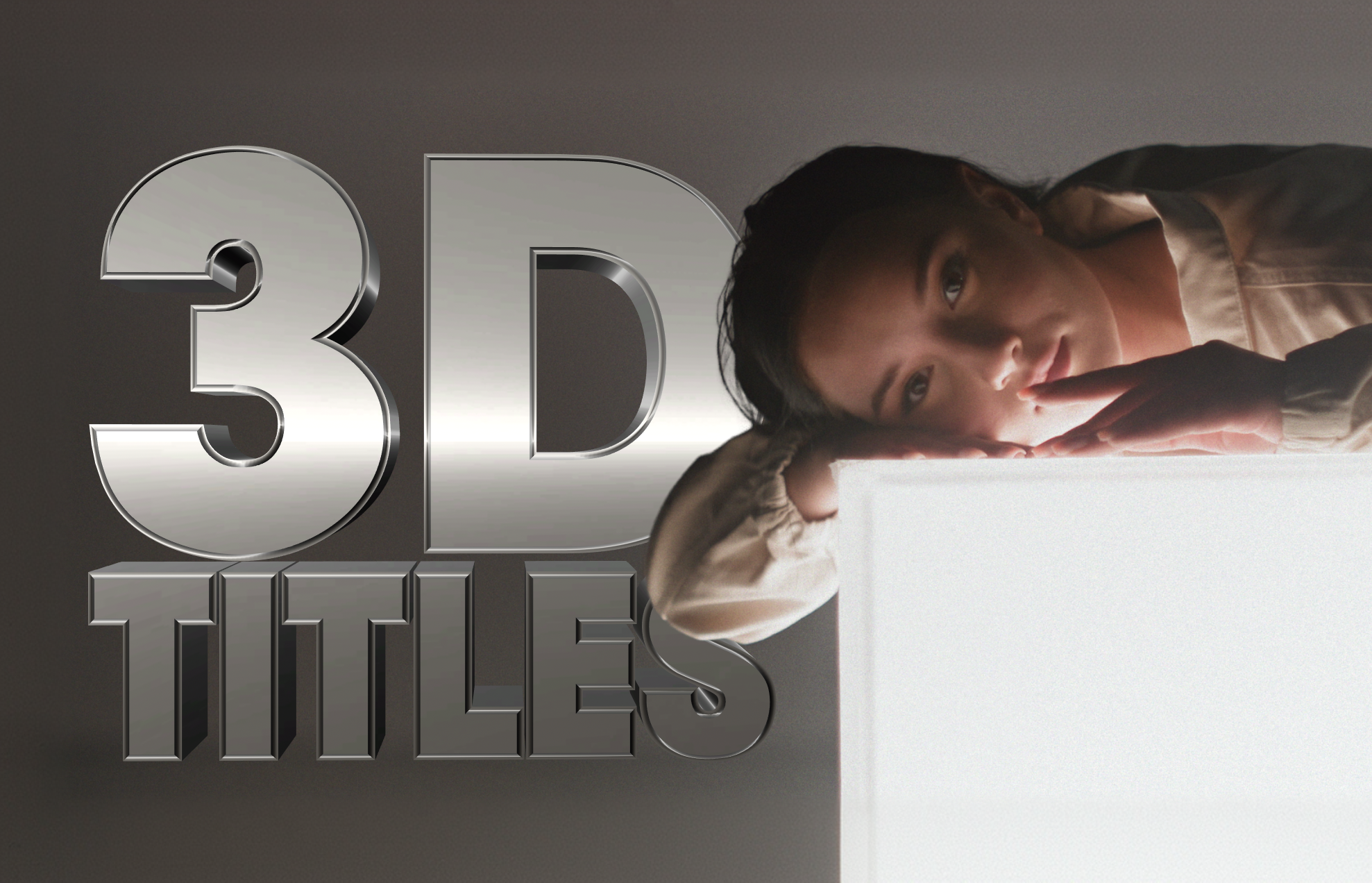
Extruded Text

Create depth-rich 3D typography directly in Vegas Pro.


  • • True 3D text extrusion
  • • Adjustable bevel and depth controls
  • • Real-time lighting and shadow casting
  • • Material and surface styling

Ideal for logo builds, dramatic title sequences, and broadcast graphics.
File explorer window showing folders and video thumbnails with filenames like Action Close Up.mp4 and Detail B-Roll.mp4.

Extruded Spline

Turn custom shapes into 3D geometry.


  • • Extrude spline-based shapes
  • • Animate 3D panels and graphic elements
  • • Apply lighting and material controls

Design dimensional graphic elements with precise shape control
Modern Equalizer interface showing a frequency response curve with four adjustment points and an output gain at 0.0 dB.

Extruded EPS

Import and extrude vector artwork in 3D.


  • • Load EPS vector files
  • • Convert logos into 3D geometry
  • • Control depth, bevel, lighting, and shadows

Bring branded assets into 3D space for polished intros and identity graphics.

Engineered for Speed and Precision
New and improved AI for depth modeling, transcription, and voice generation, so you can move faster and stay focused on your edit.
Diagram showing a face image processed through AI Sharpen and AI Z-Depth effects, leading to AI Style Transfer and AutoLooks effects with visual examples.

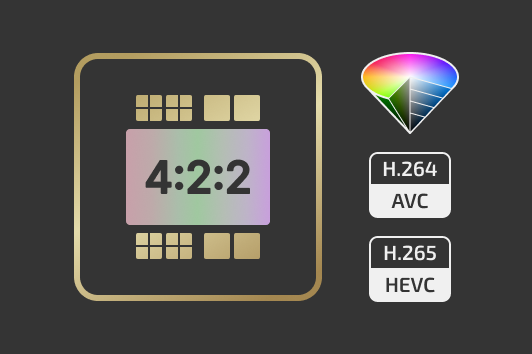
Native 4:2:2 GPU Decoding on NVIDIA Blackwell

Vegas Pro 2026 adds hardware-accelerated AVC and HEVC 4:2:2 decoding on NVIDIA Blackwell GPUs. Editors working with high-quality camera formats can now:


  • Play back 4:2:2 footage smoothly without software decoding bottlenecks
  • Edit multi-cam projects more efficiently
  • Maintain full chroma precision throughout the pipeline

Fully compatible with Vegas Core Engine features, including the Zero Copy Pipeline.
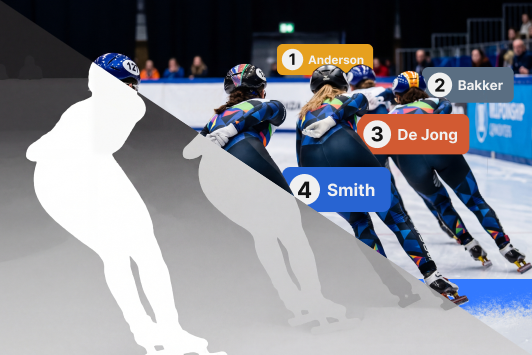
Diagram showing a face image processed through AI Sharpen and AI Z-Depth effects, leading to AI Style Transfer and AutoLooks effects with visual examples.
Watch video
×

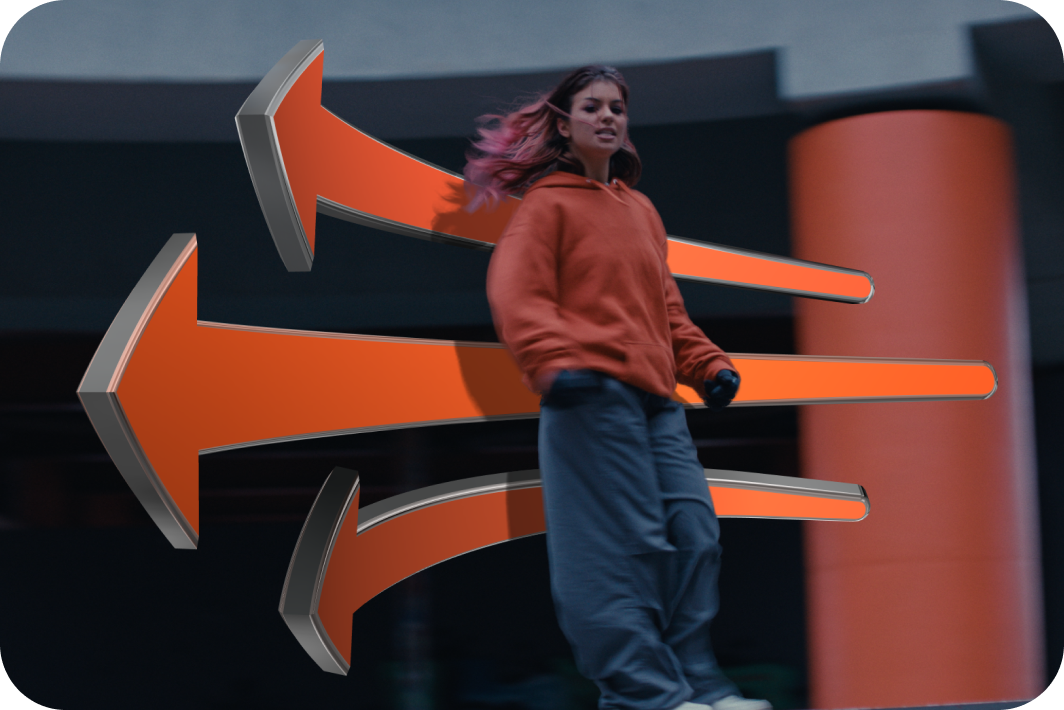
Z-Depth 2.0 with Updated AI Depth Model

Z-Depth 2.0 features a newly trained Boris FX AI depth model for more accurate foreground and background separation.


  • Higher-resolution depth masks
  • More detailed depth layer detection
  • Improved temporal smoothing
  • Reduced flicker across frames
File explorer window showing folders and video thumbnails with filenames like Action Close Up.mp4 and Detail B-Roll.mp4.
Watch video
×

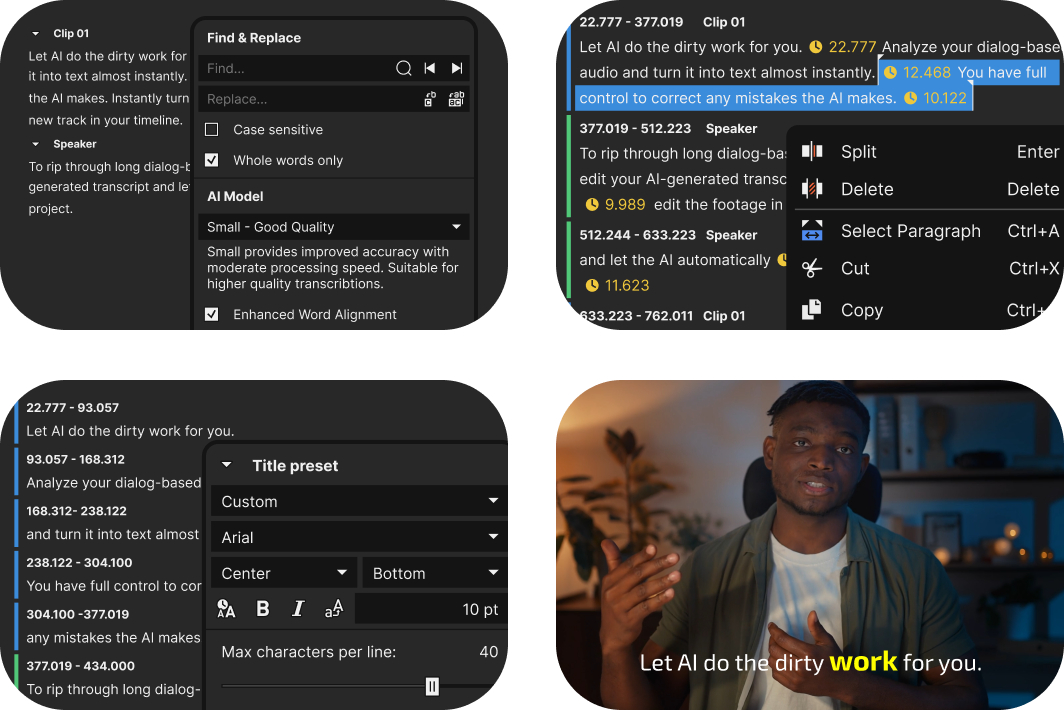
Fully Offline Speech-To-Text
(Subscription Only)

Keep your data private with the new offline Speech to Text transcriptions. Fully offline and completely secure.


Vegas Pro 2026 includes multiple AI models so you can choose between faster CPU processing or maximum quality on supported GPUs.


  • Text-based editing
  • Automatic subtitle creation
  • Support for 100+ languages
  • Unlimited transcription usage
  • No internet connection required
Modern Equalizer interface showing a frequency response curve with four adjustment points and an output gain at 0.0 dB.
Watch video
×

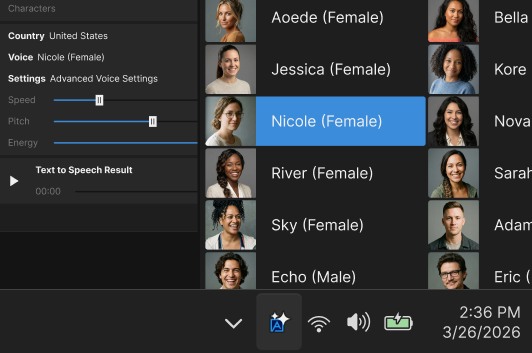
Fully Offline Text-To-Speech
(Subscription Only)

Generate voice-overs directly on your PC without uploading audio or relying on cloud services.


  • 9 supported languages
  • 54 voice options
  • Adjustable speed, pitch, and volume
  • No length restrictions
  • Fully local processing
File explorer window showing folders and video thumbnails with filenames like Action Close Up.mp4 and Detail B-Roll.mp4.

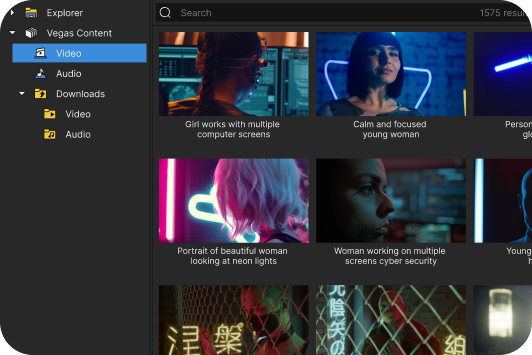
Integrated Storyblocks Access
(Subscription Only)

Subscription users receive integrated access to the Storyblocks content library. Download video footage, music, and sound effects directly inside Vegas without interrupting your workflow.


  • Unlimited downloads
  • Multiple resolution and format options
  • Direct integration through the Explorer window

Modern Equalizer interface showing a frequency response curve with four adjustment points and an output gain at 0.0 dB.

General Performance and Stability Improvements

Vegas Pro 2026 includes extensive engine optimizations and performance enhancements designed to improve reliability and responsiveness across projects.


  • Core engine optimizations
  • Improved GPU utilization
  • Faster project loading and timeline responsiveness
  • Stability improvements across complex workflows

Powerful features from previous updates

Introduced in earlier versions and still available today. Editing power that helps you work faster, more efficiently, and more creatively.
Close-up of a blue glowing microchip with a white letter V in the center on a black circuit board background.

Vegas Core Engine

Silky-smooth preview and precisely accurate color handling, even under heavy load. DirectX 11/12, In-VRAM processing, ACES 1.3, and OpenColor IO bring the most significant performance gains ever.

Chew through video files like candy

Lightning-fast playback that shows exactly what you’ve created. Enjoy smooth previews with far fewer dropped frames and rock-solid performance.
Vegas Pro 23 with Core Engine
Vegas Pro 22
up to 4x*
*In a typical Color Grading workflow, framerate increases from 45 FPS to 184 FPS. Results may vary.
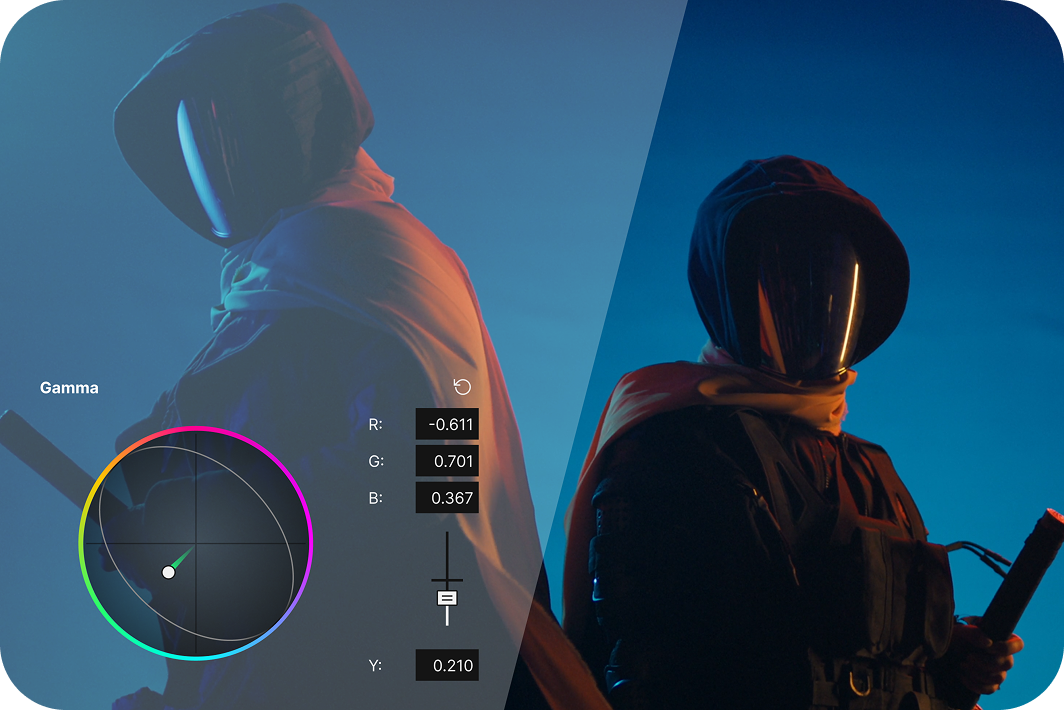
Side-by-side video frames of a hooded figure, one with warm color grading and the other with cool blue tones, showing color adjustment controls.

Precise Color Grading

See color grading changes instantly in a Direct X-based GPU pipeline so you can work on the look you envision without interruptions.
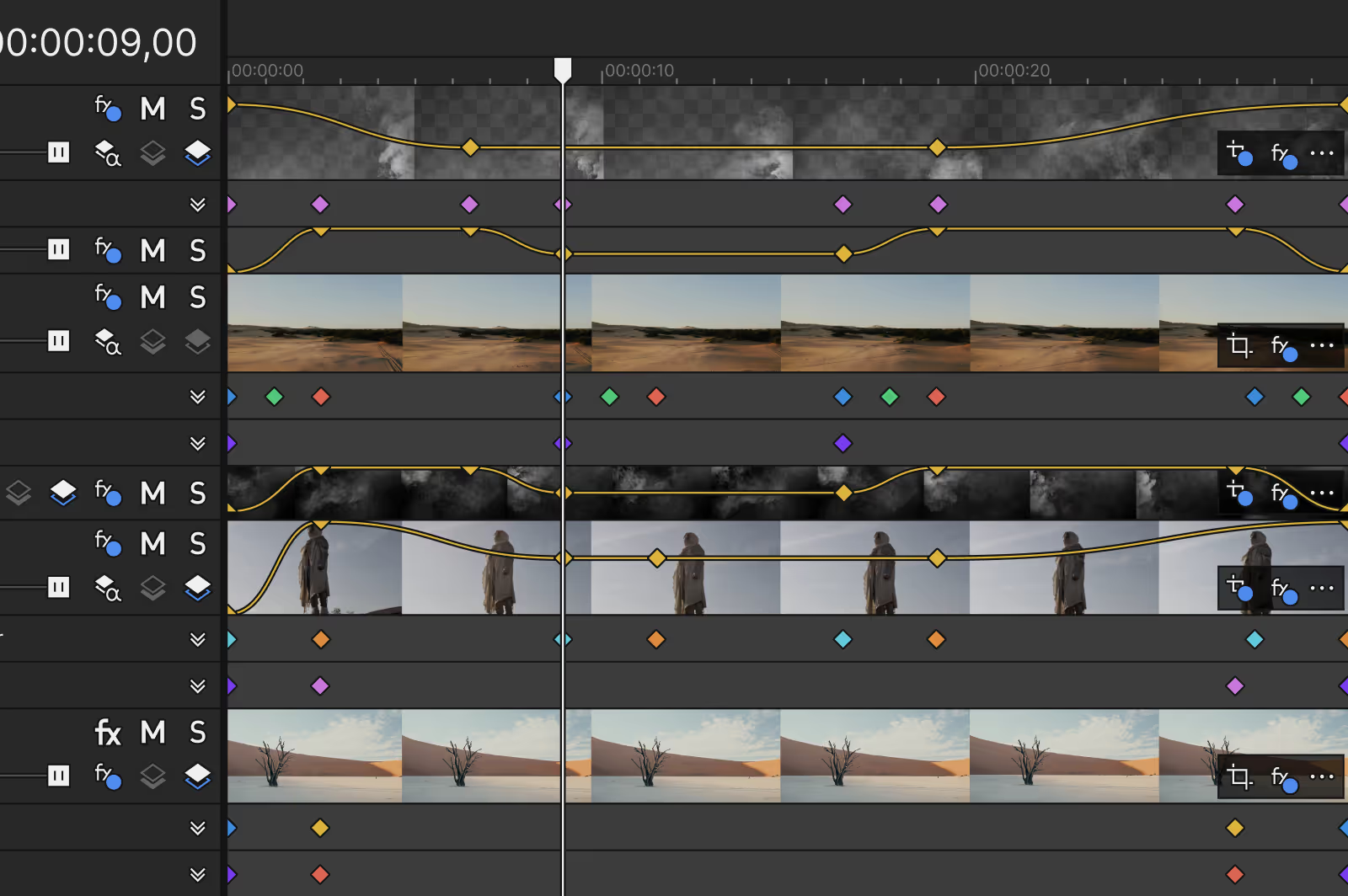
Timeline view of video editing software showing multiple video and effect tracks with keyframes and clips of desert and figure footage.

Fluent playback

Full-framerate, high-quality previews that display your edits accurately, even with high-resolution files and complex effects.
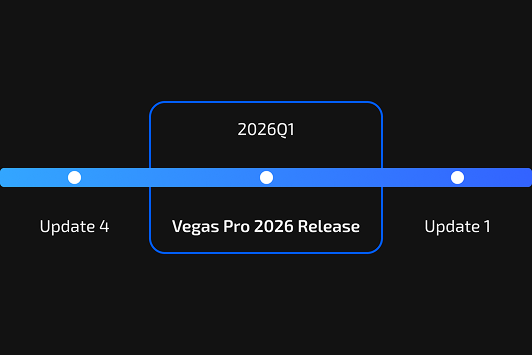
Timeline slider highlighting 2025 Q3 with VEGAS Pro 23 Release and update markers for Update 1 and Update 4.

Continuous Improvements

Free updates during the version life cycle bring fixes, enhancements, and new features to keep your software at its best.
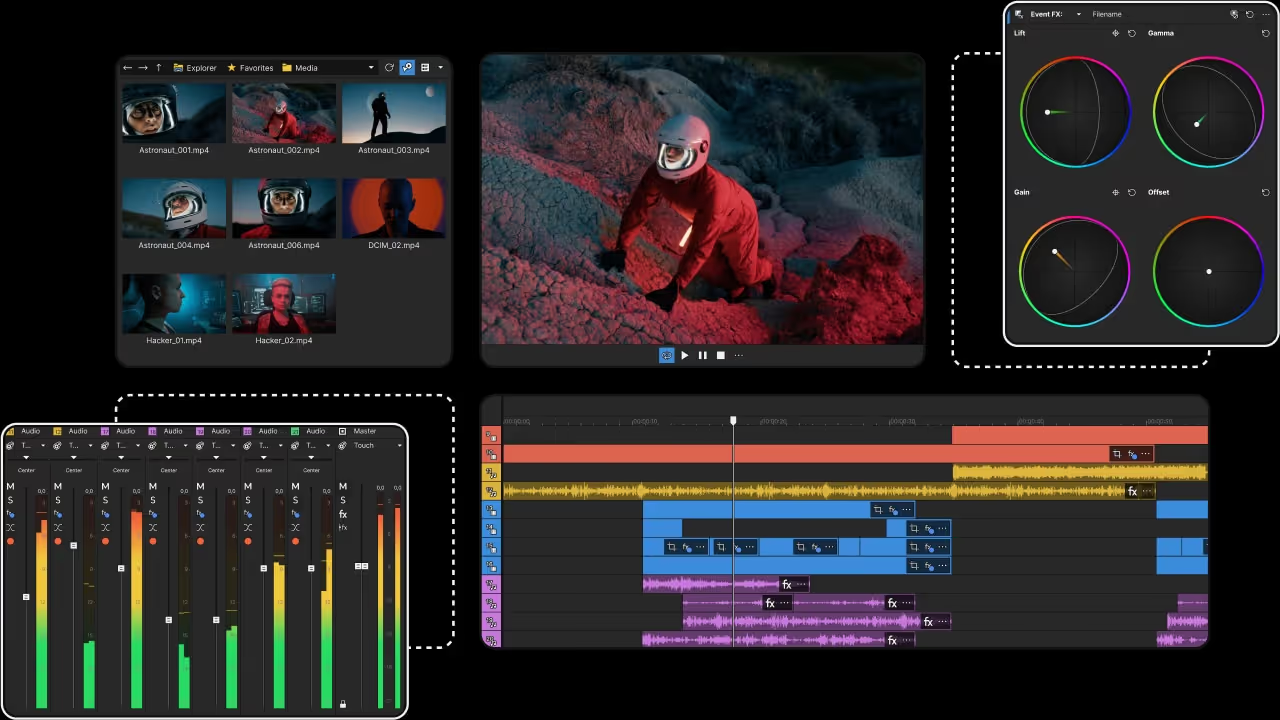
Video editing software interface showing media thumbnails, a preview of an astronaut on rocky terrain, color correction wheels, audio mixer levels, and a multi-track timeline with clips.
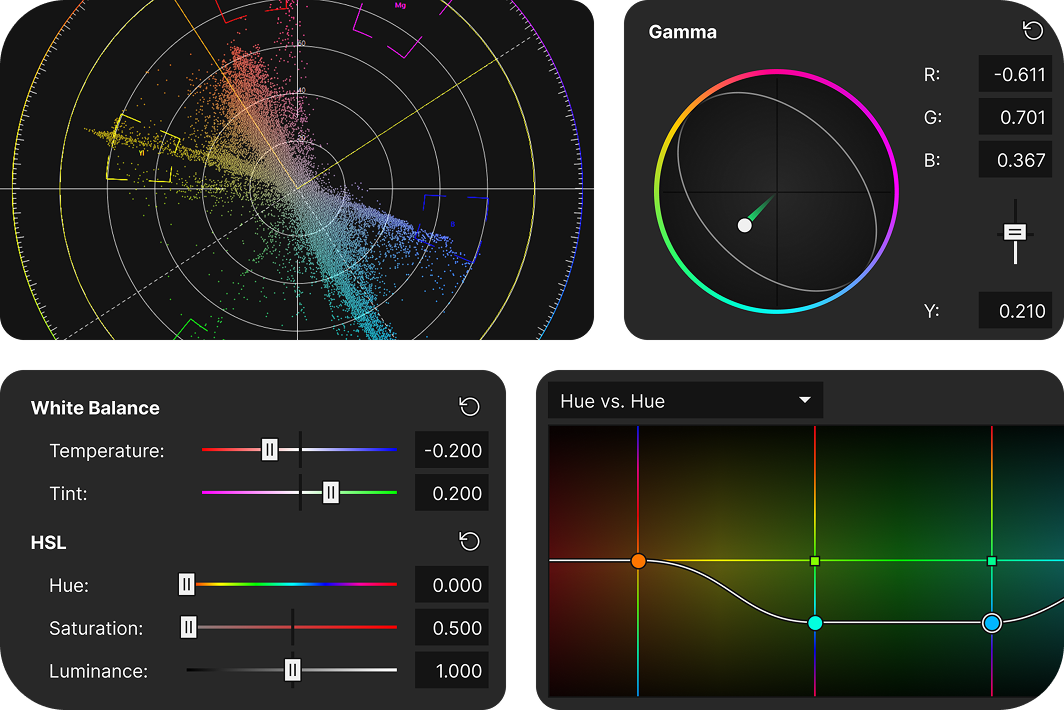
Video editing color grading interface showing a vectorscope, gamma color wheel, white balance sliders for temperature, tint, and HSL controls, and a hue vs. hue curve graph.

Experience next-level color precision
Precise control over color grading with a modeless workflow that keeps your color tools handy at all times without leaving your timeline.
Video editing timeline with clips showing a man's face, smoke effects, text reading  "DREAM BIG AND DARE TO FAIL," and audio waveforms below.

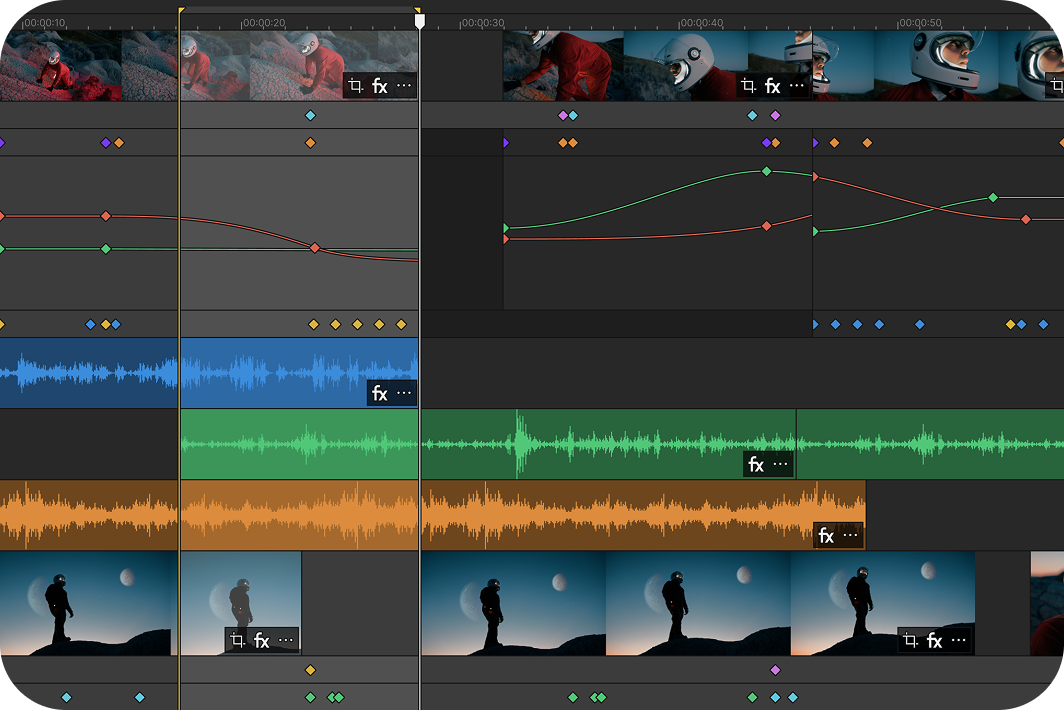
Stay focused with the enhanced timeline
All your essential editing tools are right where you need them: fully integrated into the Vegas Pro timeline. No need to switch to a special mode.
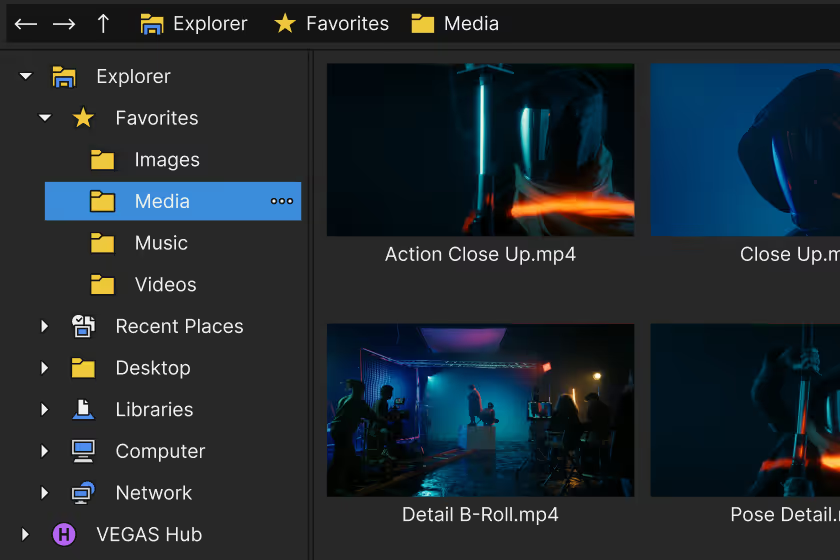
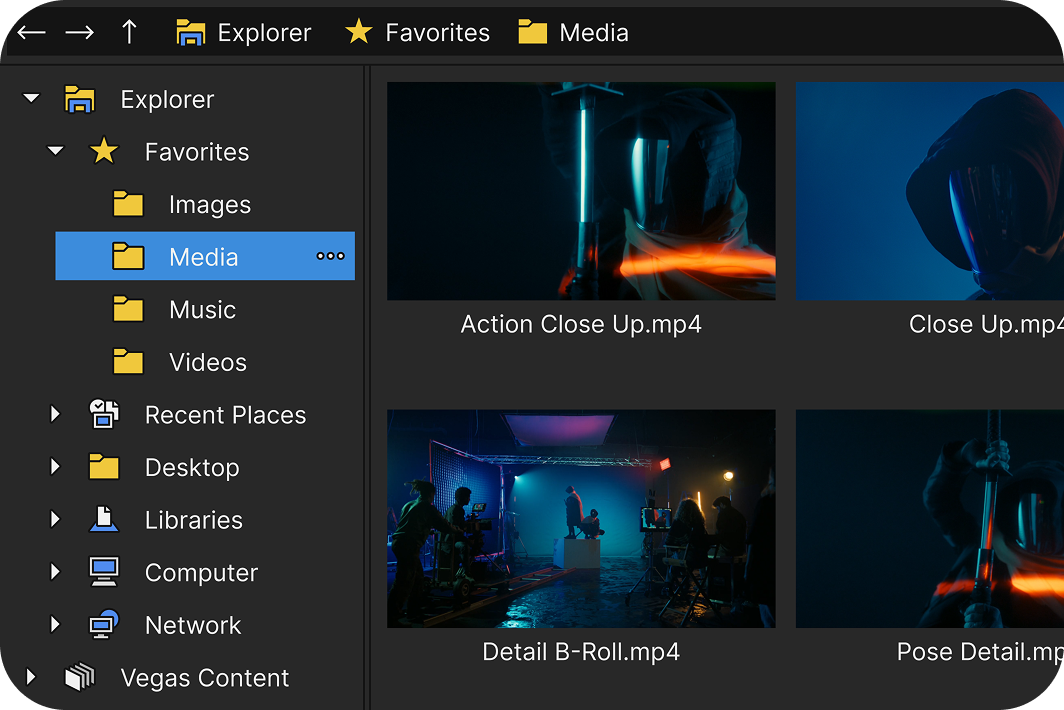
File explorer window showing folders and video thumbnails with filenames like Action Close Up.mp4 and Detail B-Roll.mp4.

Get organized with the Explorer window
Brings all your storage locations into one logical window for easy access to media files.
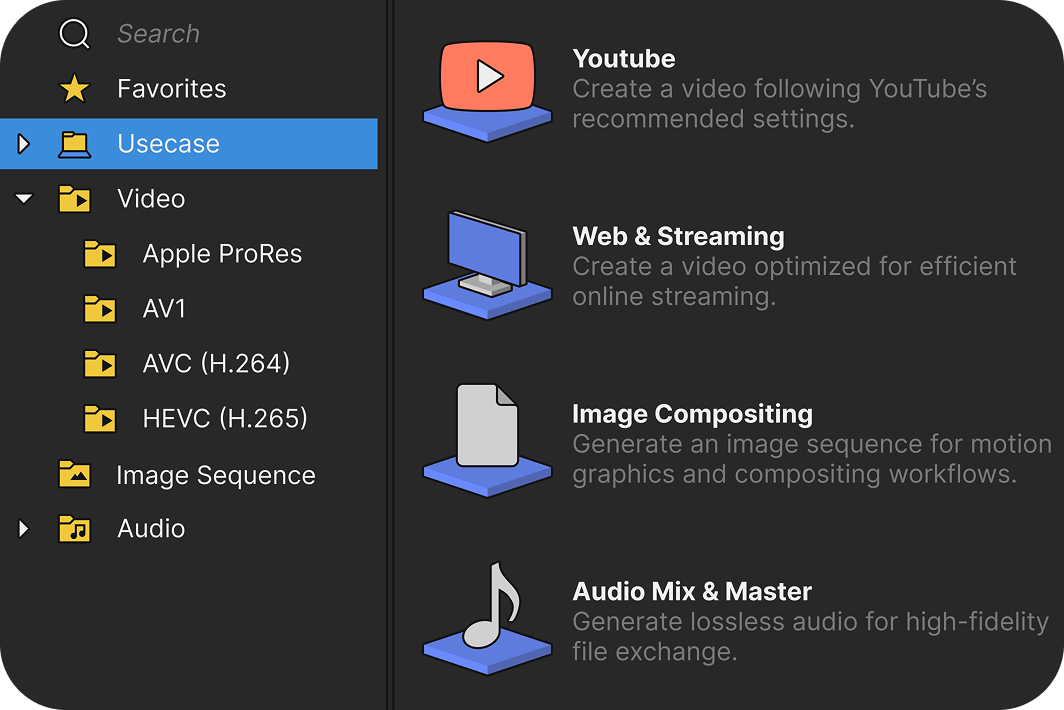
Software interface showing use case categories: Youtube, Web & Streaming, Image Compositing, and Audio Mix & Master with corresponding icons and descriptions.

Hassle-free export to any format

Choose the perfect export and render settings with pro-level flexibility in an interface that’s easy for beginners.

Innovative editing tools and workflows
Edit faster and create more freely thanks to the innovative approach of Vegas Pro. We constantly challenge established norms. Finding better ways to work is a key part of the Vegas DNA.
Video editing timeline interface showing video clips with a person's face, audio waveform, and multiple colored keyframe markers for effects and adjustments.

Transform how you animate effects

Keep your creative momentum while you build video effects. Add and adjust envelope keyframes for event- and track-level OFX filters right in the timeline, without breaking your focus.
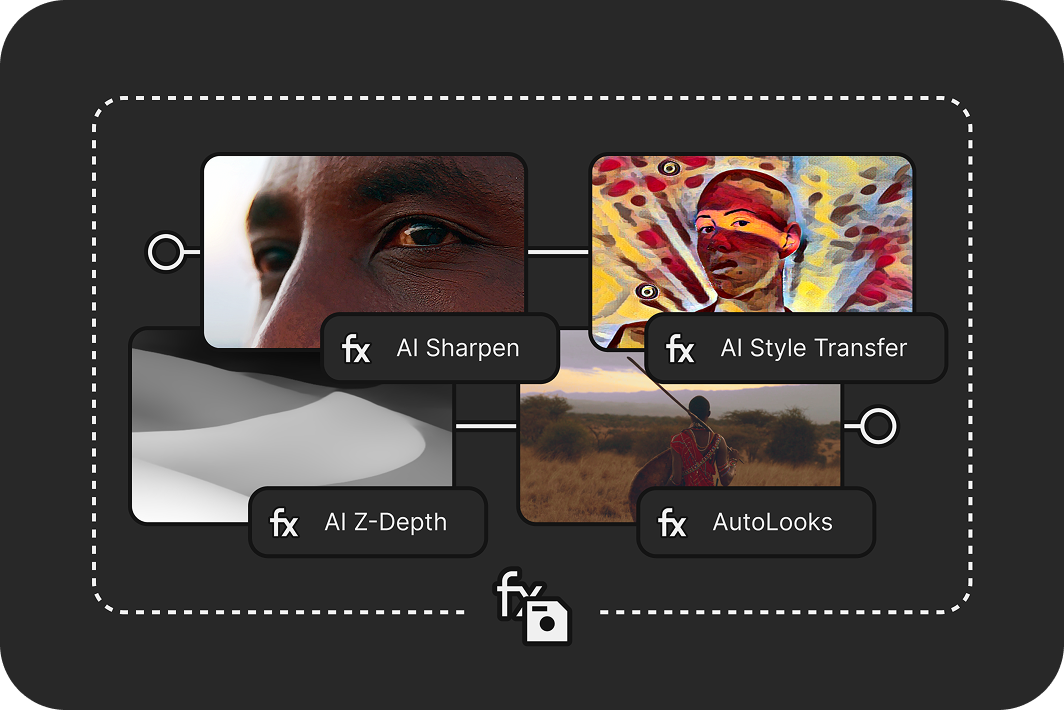
Diagram showing a face image processed through AI Sharpen and AI Z-Depth effects, leading to AI Style Transfer and AutoLooks effects with visual examples.

Save time with VFX packages

Save your favorite FX chains and settings, including parameter animations, in a single package that you can reapply anywhere else.
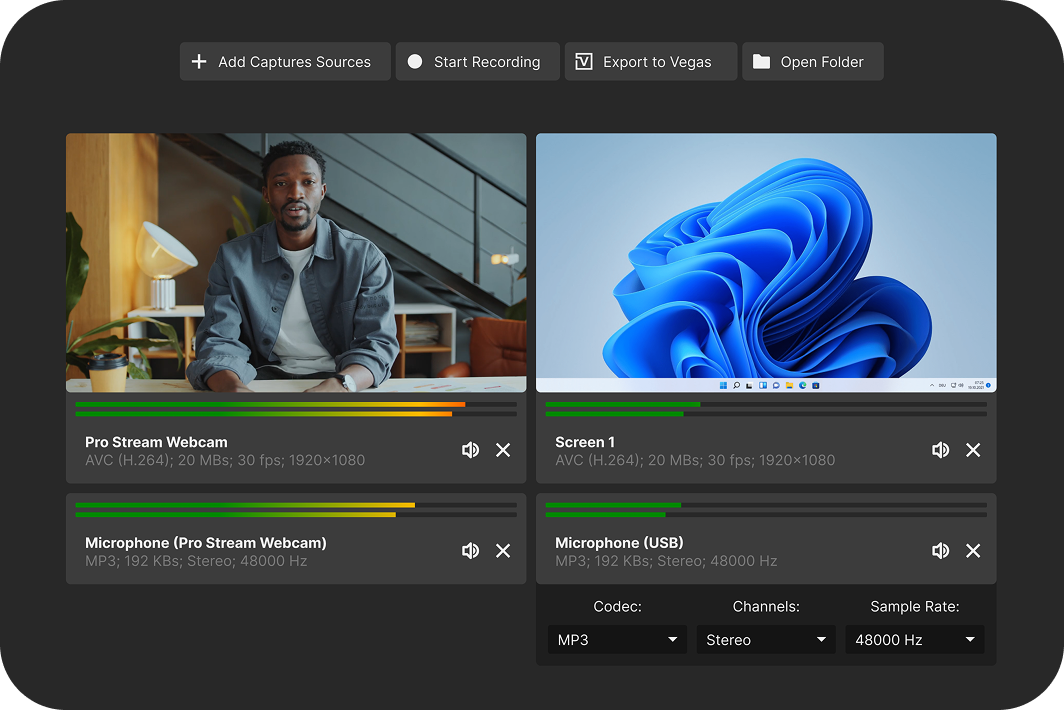
Software interface showing video and audio capture sources with a webcam feed of a man and a screen display, plus microphone settings and codec options.

Record gameplay with Vegas Capture

Quickly record your screen, webcam, and audio, then transfer everything straight into your Vegas Pro timeline with tight integration.
File explorer window showing folders and video thumbnails with filenames like Action Close Up.mp4 and Detail B-Roll.mp4.

Turn mobile clips into pro-quality videos
Bring out the best in your footage with camera LUTs that match Samsung and Apple color profiles for professional and accurate results.
Modern Equalizer interface showing a frequency response curve with four adjustment points and an output gain at 0.0 dB.

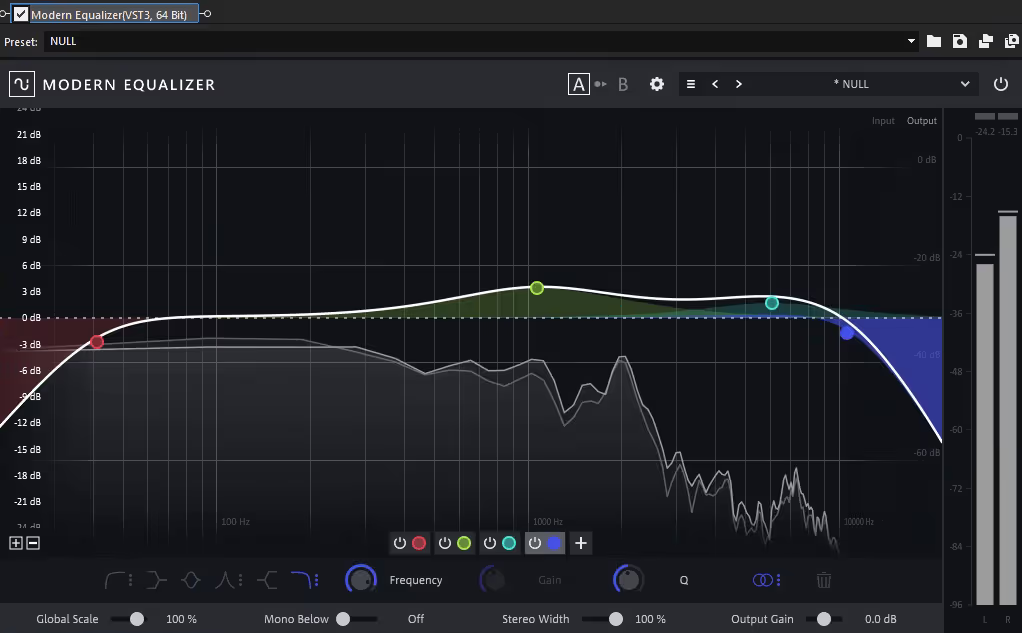
Sculpt audio with the Modern Equalizer
Shape your sound with precise, integrated equalization at any stage of your signal flow.

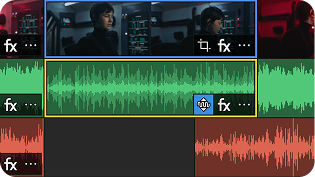
Video editing timeline showing a video clip above and multiple audio waveforms below, with one highlighted audio track featuring an effect icon.

Auto Normalize

Automatically recalculate normalization during edits for max use of dynamic range.
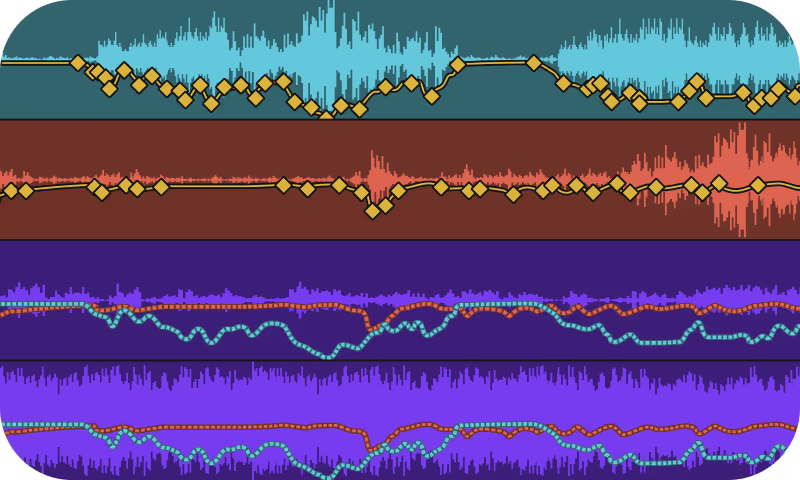
Visualization of audio waveforms and overlaid graphs with diamond and dotted circle markers on colored backgrounds.

Auto Ducking

Automatically get the music out of the way of the narration to ensure clarity.
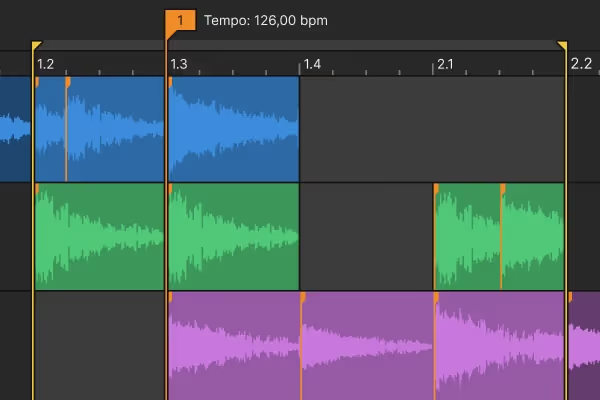
Digital audio workstation interface showing layered audio waveforms in blue, green, and purple tracks with tempo set to 126 bpm.

Tempo Detection

Unify your video and audio. Edit video to the beat of the music.
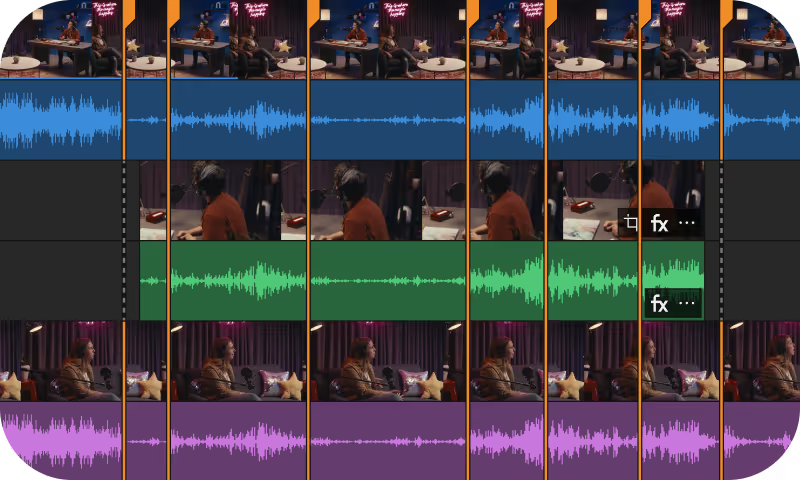
Video editing timeline showing multiple tracks with video clips and audio waveforms in blue, green, and purple colors, separated by orange vertical lines.

Audio Sync

Take the guess work out of synchronizing multi-source video and audio files .
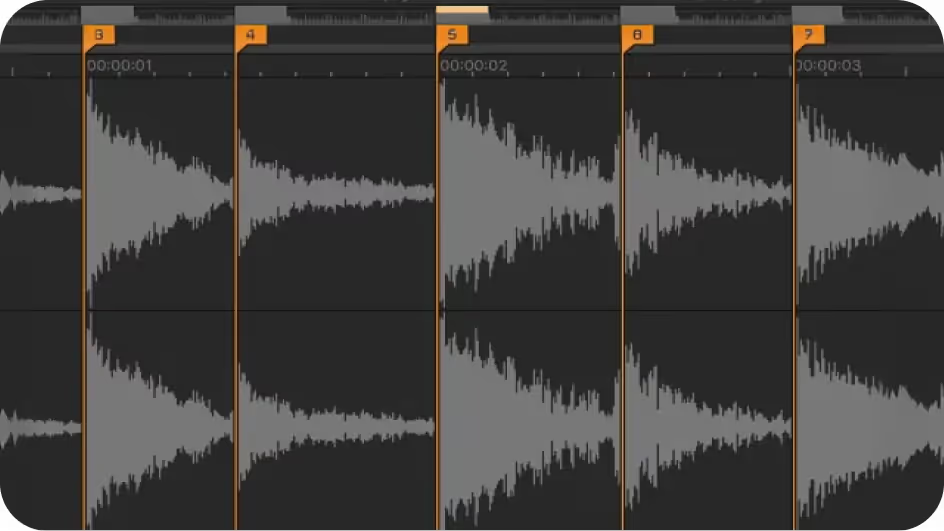
Audio editing software interface displaying waveform segments divided by orange markers numbered 3 to 7.

Beat Detection

Identify potential hit points in your audio with full control over sensitivity.
Man gesturing with both hands speaking in a dimly lit room with text saying "Let AI do the dirty work for you," highlighting the word "work" in yellow.

Real-time word highlighting

Automatically highlight the currently spoken word to make subtitles stand out.

Frequently Asked Questions

Download Vegas Pro, sign in with your Boris FX account, and start editing. No activation keys or complicated setup.

Yes. Start a free 15-day trial with full access to all features.

Yes. You can use your license on up to two computers, so you can edit wherever you work.

No. Just sign in and start editing — it’s that simple.

Our team is here for you. Reach out anytime or start a live chat on our website.